
PPSSPP
Screenshots
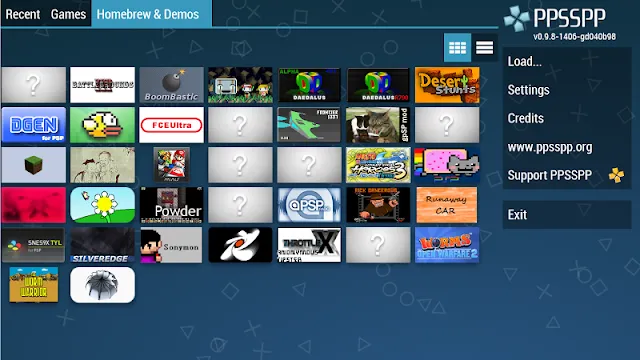
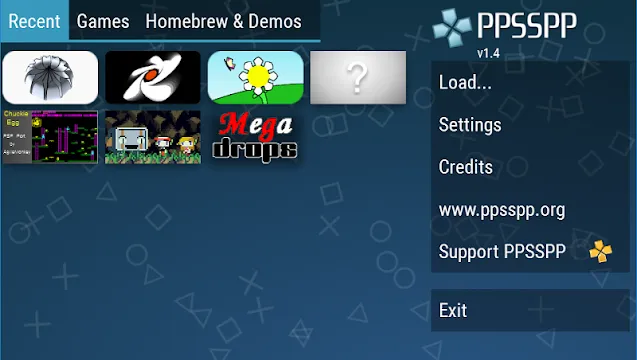
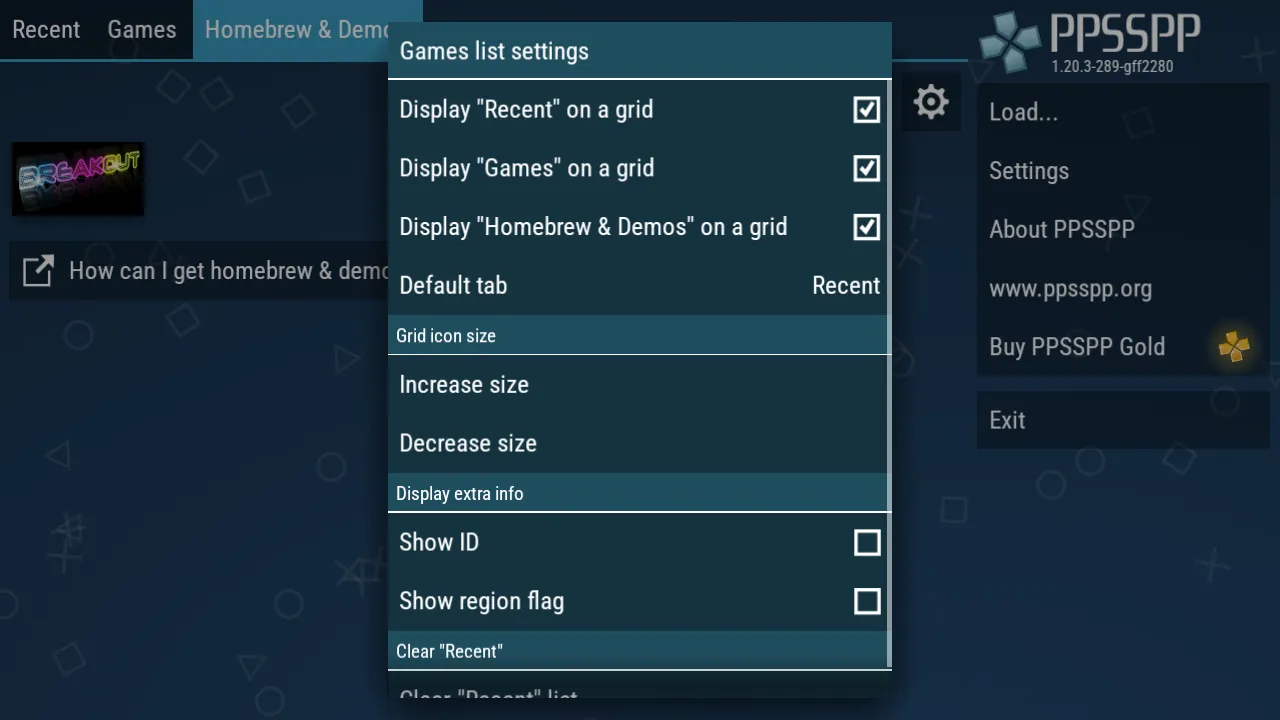
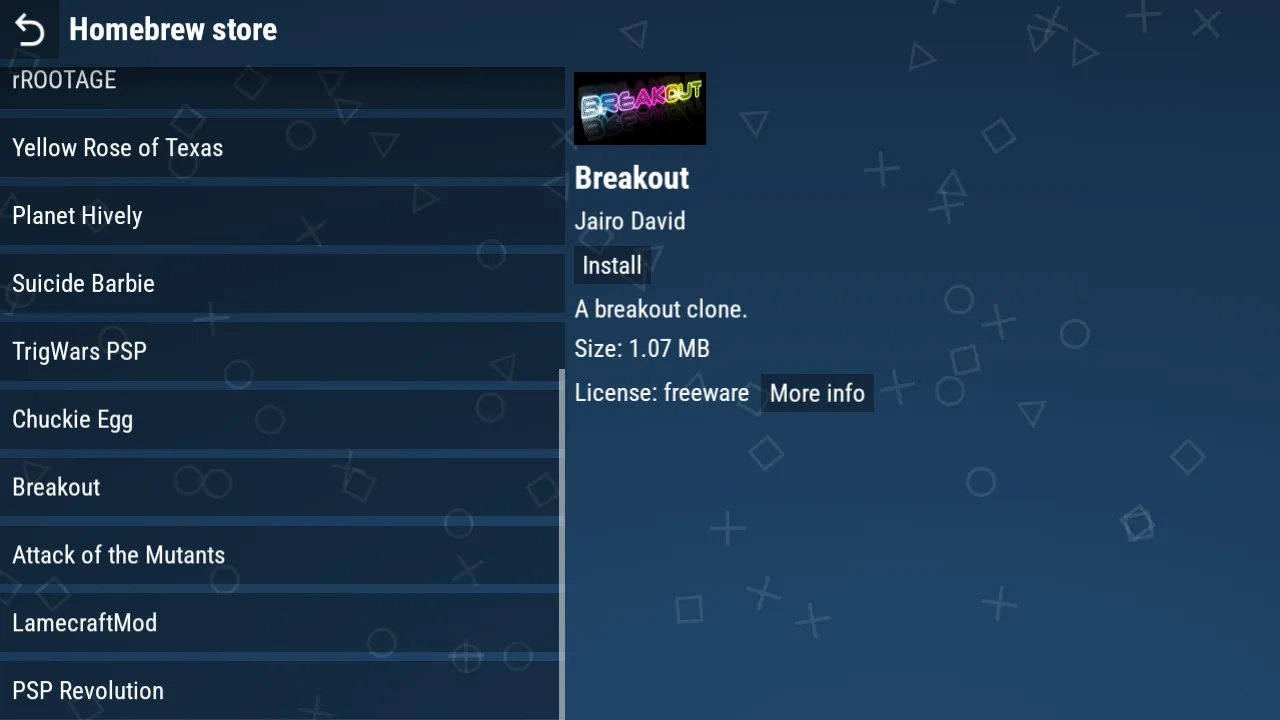
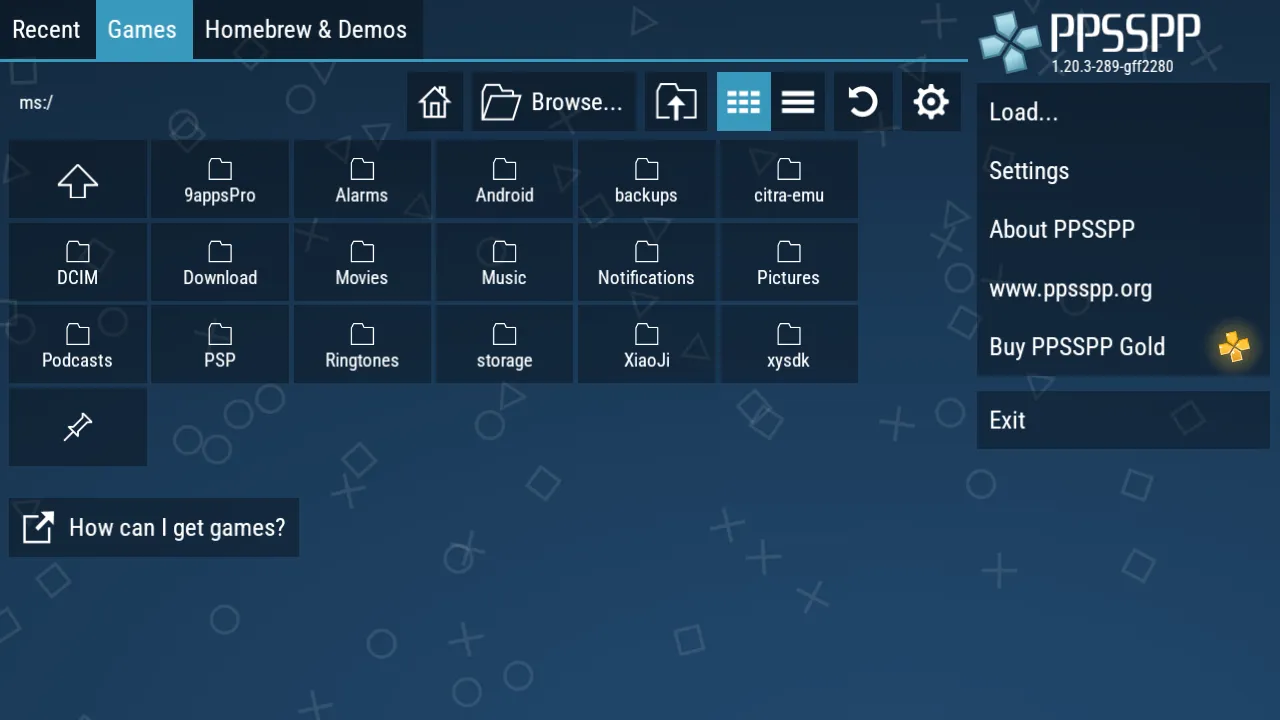
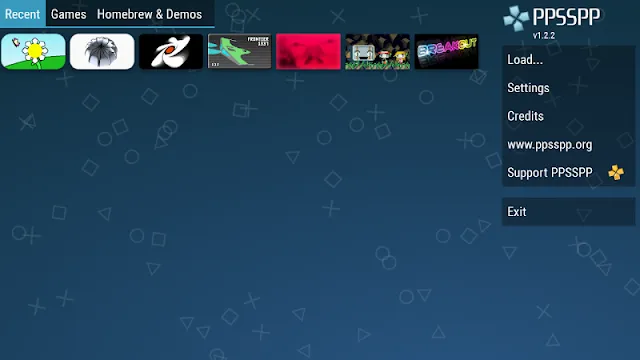
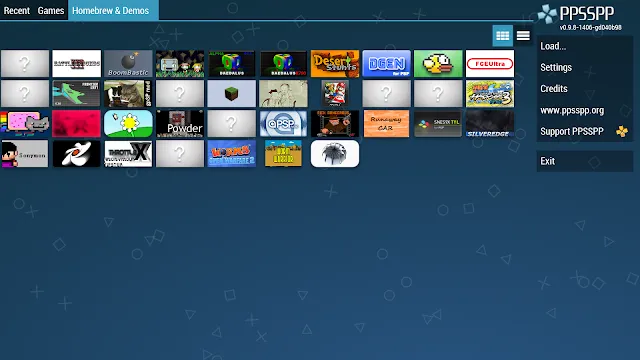
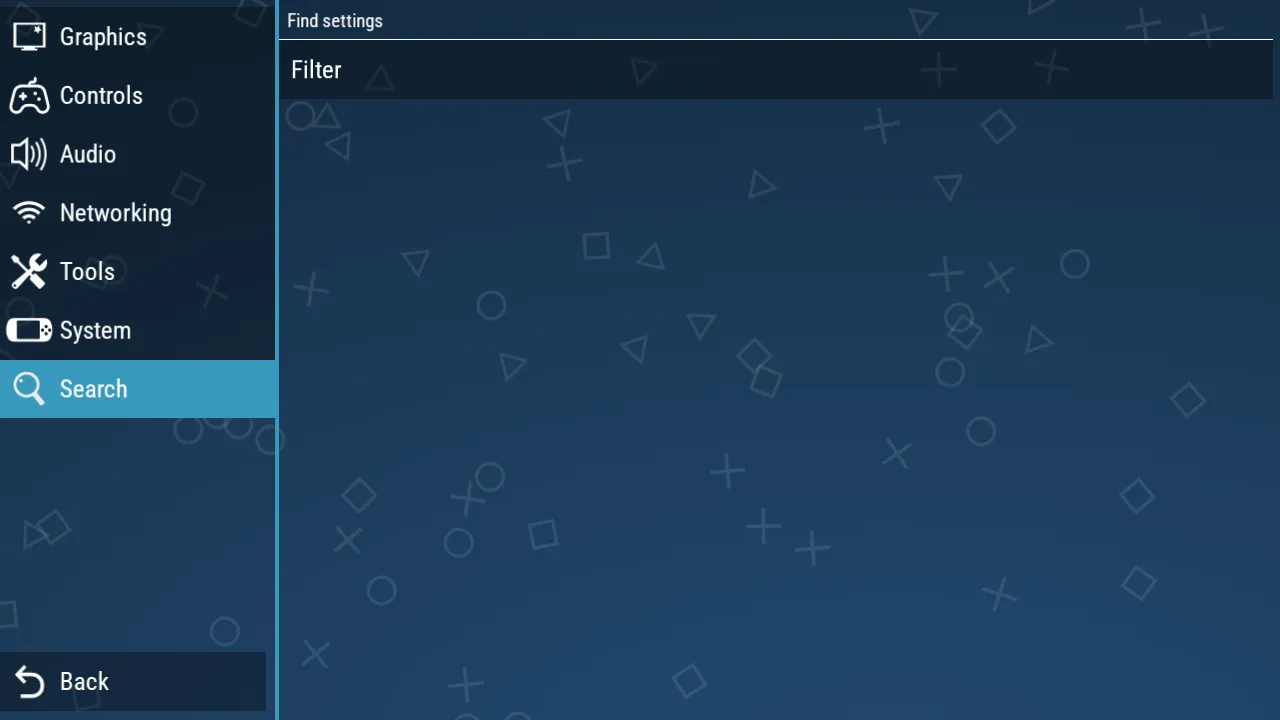
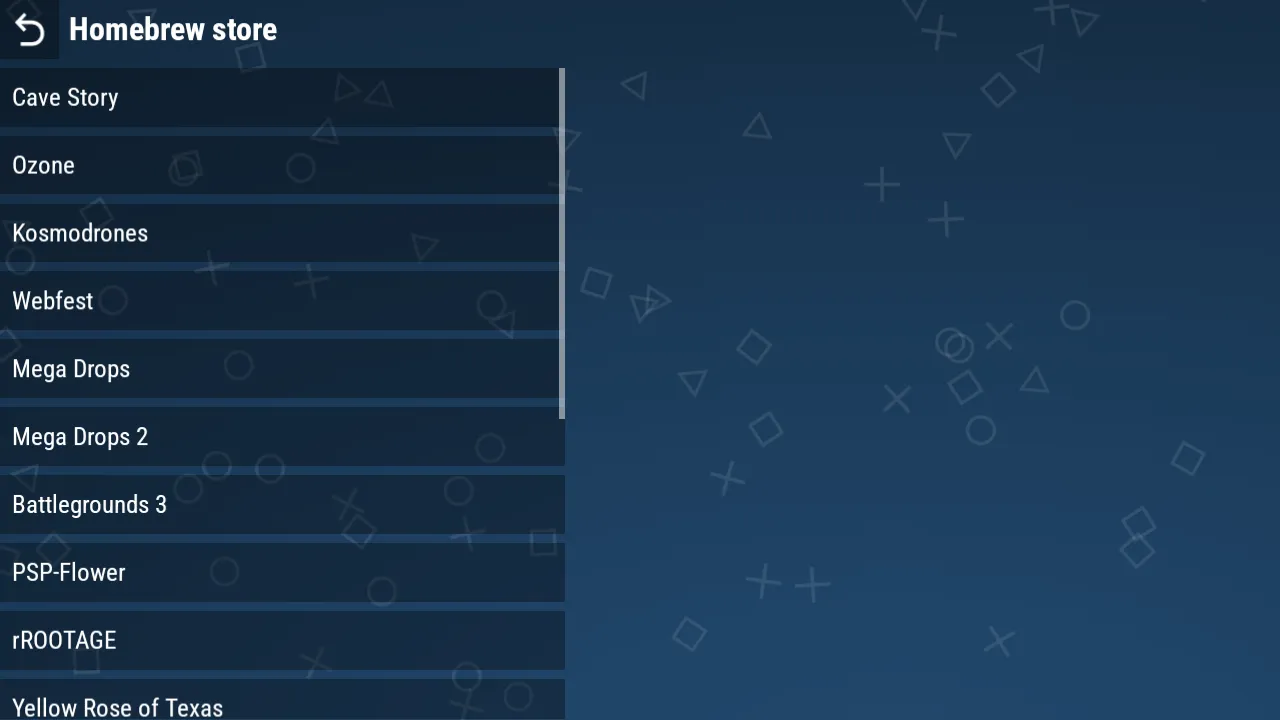
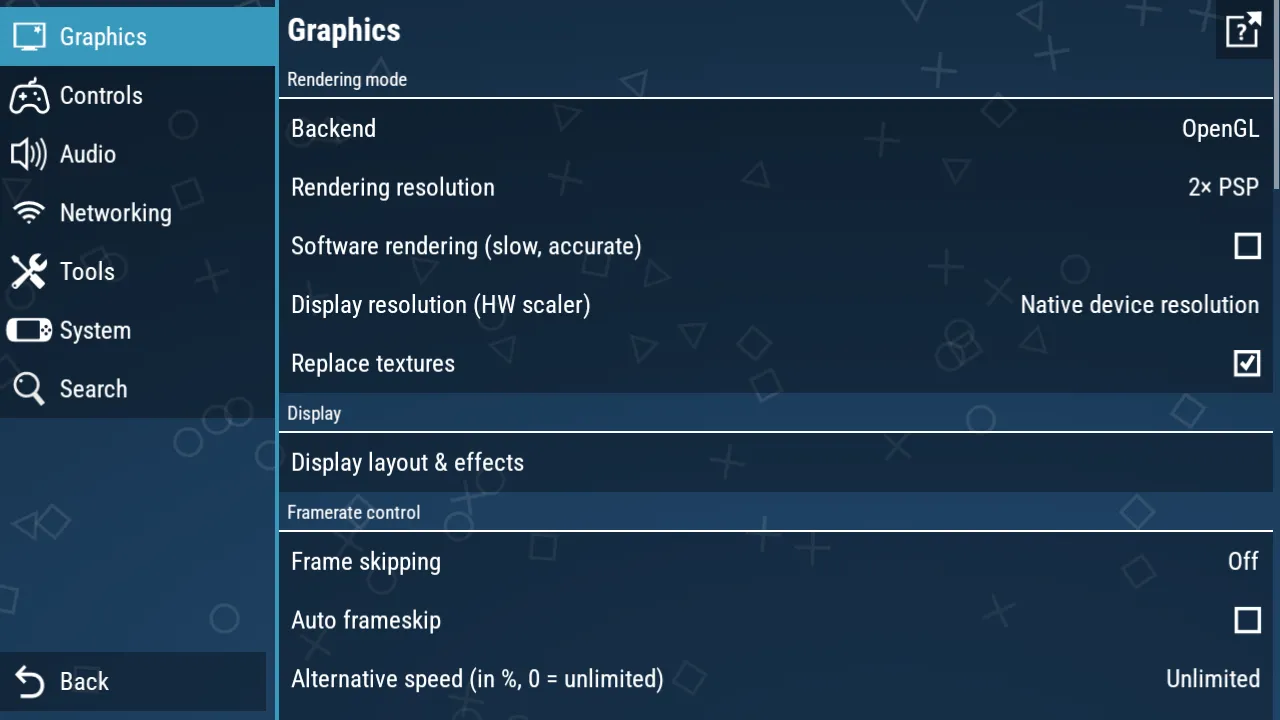
PPSSPP – PSP emulator For Android offers a high-quality way to experience PlayStation Portable games on your mobile device. Many gamers miss the legendary titles that defined the handheld era in the mid-2000s. This application allows you to play those classic games with significantly improved graphics and performance. It translates the original code of the PSP into a format that modern Android smartphones and tablets can understand. You can enjoy your favorite adventures without carrying an extra piece of hardware in your pocket.
The application operates as an open-source project that focuses on speed and compatibility. It supports a vast majority of the PSP library, ensuring that your favorite RPGs, racers, and action games run smoothly. The software features a clean interface that helps you manage your digital game collection with ease. You can customize nearly every aspect of the emulation to match the power of your specific device. By using this tool, you unlock the potential of your smartphone to act as a premium retro gaming console.
Enhanced Visuals and Resolution Scaling
One of the most impressive features of this emulator is the ability to upscale original game textures. The PSP had a native resolution of only 480 by 272 pixels, which can look blurry on modern high-definition screens. PPSSPP allows you to increase the rendering resolution to two, three, or even ten times the original size. This makes the 3D models look sharp and removes the jagged edges that were common on the original hardware. Your old games will often look better on your phone than they ever did on the actual console.
Beyond resolution, the software includes advanced post-processing shaders and texture filtering. These tools smooth out the environments and improve the vibrant colors of every scene. You can enable features like anisotropic filtering to ensure that textures at a distance remain clear and detailed. These visual upgrades do not require a top-of-the-line device to function. Even mid-range phones can handle significant graphical improvements while maintaining a steady frame rate. It provides a modern look for classic titles without losing their original charm.
Customizable Controls and External Gamepad Support
Playing complex console games on a flat touchscreen can be a challenge for many users. The emulator provides a fully customizable on-screen control system to solve this problem. You can move every button to a different position on the screen to fit the size of your hands. The app also allows you to change the size and transparency of the buttons so they do not block your view of the action. This flexibility ensures that you can perform difficult combos or precise jumps with total confidence.
- Map specific actions to custom touch zones on your display.
- Enable haptic feedback to feel a vibration when you press a button.
- Use the “Combo Key” feature to trigger multiple buttons with one tap.
- Adjust the sensitivity of the analog stick for better movement control.
If you prefer a more tactile experience, the app supports a wide range of external Bluetooth and USB controllers. You can pair a console gamepad or a specialized mobile controller to your Android device for a traditional feel. The software automatically recognizes most major controller brands and allows for manual button mapping. This setup effectively turns your smartphone into a portable console that rivals modern handheld devices.
High Performance and System Optimization
The development team prioritizes efficiency to ensure the emulator runs on a wide variety of Android hardware. The software uses the Vulkan or OpenGL graphics APIs to get the most power out of your device’s GPU. This allows for faster frame rates and lower battery consumption during long gaming sessions. You can also use “frameskipping” options to help older or budget-friendly phones run demanding games at full speed. The app remains lightweight and does not clutter your system with unnecessary background processes.
To further improve performance, you can toggle specific hacks and technical settings within the menu. For instance, you can disable “slow effects” or use “lazy texture caching” to save system resources. These options allow you to find the perfect balance between visual fidelity and gameplay speed. The emulator also provides a live frame-rate counter so you can monitor the performance in real time. It offers a professional-grade technical environment that respects the limits of your hardware.
Save States and Progress Management
Traditional save points in older games can be frustrating when you have a busy schedule. The emulator includes a “Save State” feature that allows you to pause and save your game at any exact moment. You can save your progress in the middle of a difficult boss fight or right before a tricky platforming section. This eliminates the need to reach a specific save station or finish a long level before quitting. You can reload these states instantly to pick up exactly where you left off.
- Access multiple save slots for every individual game title.
- Backup your save files to your device’s internal storage.
- Export your saves to use them on the PC version of the emulator.
- Protect your progress from unexpected app crashes or battery death.
The app also supports traditional in-game saves that function just like the original Memory Stick. This ensures that your long-term progress in RPGs remains secure and compatible with other versions of the game. You can manage your virtual memory cards through the app’s file settings to prevent data loss. It provides a reliable safety net for your digital achievements and hard-earned trophies.
Global Compatibility and Language Support
The application is used by millions of people worldwide and offers support for dozens of different languages. You can navigate the menus and settings in your native tongue for a more comfortable experience. The emulator also handles various regional versions of games, including titles from Japan, Europe, and North America. This global compatibility ensures that you can play rare or imported games that were never released in your local market. It breaks down geographical barriers to provide a truly universal gaming platform.
Furthermore, the software allows you to use custom “DLC” and game updates that were originally released for the PSP. You can add extra characters, levels, or costumes to your games by placing the files in the correct folder. The community has also created various “HD Texture Packs” that you can install to further improve the graphics of specific titles. This level of customization keeps the gaming experience fresh and exciting for years. You get a flexible tool that grows alongside your personal library of classic software.
Final Thoughts
PPSSPP – PSP emulator For Android is a remarkable piece of software that preserves the legacy of handheld gaming. It offers a stable, fast, and visually stunning way to play PlayStation Portable games on modern devices. With its deep customization options and external controller support, it provides a premium experience for every type of player. The ability to upscale graphics and use save states makes older games feel more accessible and enjoyable today. By focusing on performance and compatibility, the developers have created a tool that works on almost any Android device. Whether you want to relive your childhood favorites or explore the PSP library for the first time, this emulator is the perfect choice. It represents the gold standard for mobile emulation and continues to improve with every update.